Process Automation
23Minds automates a business process and leaves it in your organization as a written, versioned procedure with a named owner. Robotic automation of business processes is within the scope of the company's ISO 9001 certificate, so the same quality system covers the automation and the rest of its engineering work.
Entry packageAutomation Blueprint: 1 Processfrom EUR 4,0001 process · up to 3 weeks from scopingWhat is includedA procedure with an owner
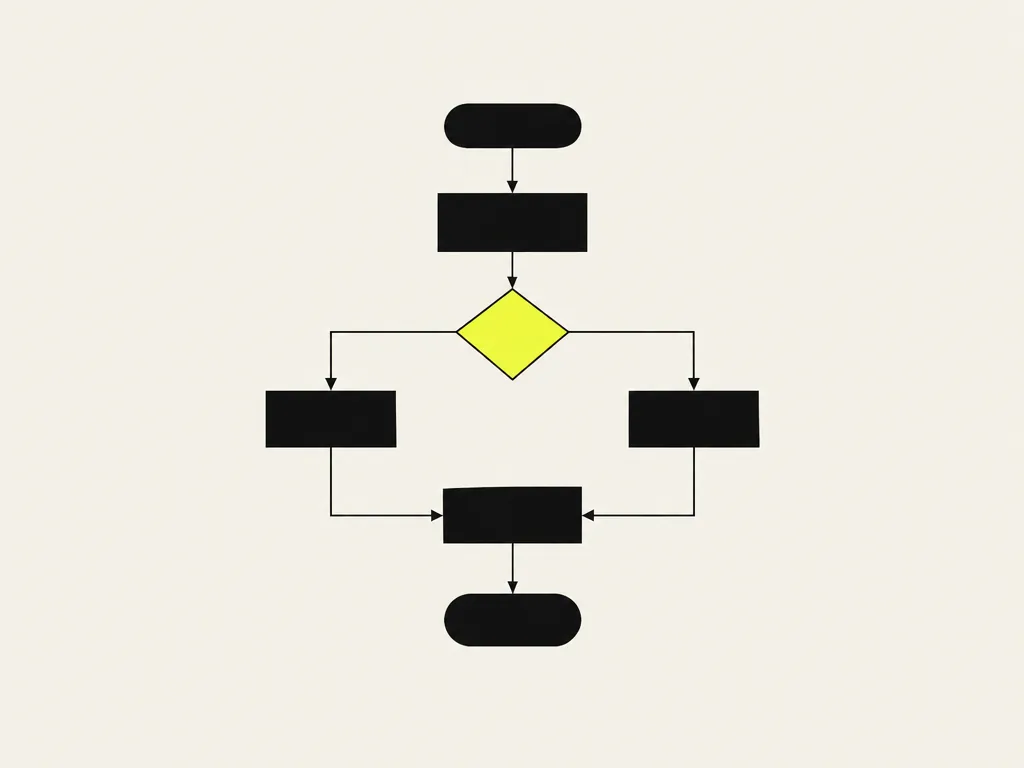
The automation ships as a documented process with a named owner, a version history and a review cycle.
Runs on tools your team operates
UiPath, Power Automate, n8n or plain scripts; nothing that lives only at a vendor.
Exceptions go to a person
Every case the automation cannot decide is escalated to a named person and logged with the reason.
23Minds automates business processes for operations, finance and back-office teams that need the automation to stay understandable, changeable and auditable after handover.
Show the full summary
Robotic automation of business processes in IT systems is within the scope of the company's ISO 9001:2015 certificate (DNV Business Assurance, no. 10000439701-MSC-RvA-POL), so every automation ships with what a quality system expects: a process description, a step-by-step procedure, exception handling, a named owner, a version history and a review cycle. The automation runs on tooling your team can operate (UiPath, Power Automate, n8n or plain scripts), with a language-model step behind a confidence threshold wherever a document, an email or a transcript has to be read. What stays with you is a procedure your team runs, changes and audits without 23Minds.
What makes this service defensible.
- Inside the ISO 9001:2015 scope
Robotic automation of business processes is on the certificate (DNV, no. 10000439701-MSC-RvA-POL).
- As-is and to-be process on paper
Steps, decisions, exception paths and the systems each step touches, before any build.
- Build-versus-buy decided with an ROI model
The blueprint package ends with a costed recommendation, not a preference.
- Owner and deputy trained
Handover includes training for two people, so the procedure survives a holiday.
The process, phase by phase.

Pick the way in that fits your budget and timing.
Every practice has a free first step, an entry package with a written deliverable and its price listed here, and a full project or retainer quoted after a first call. Once the scope is agreed, the price is fixed, with no hidden costs.
- 1Step 1 · Free
Intro call or self-assessment
60 minutes · 1 engineer · no obligation
FreeTalk to an engineerShow details
- Intro call with an engineer, or the online self-assessment
- A written next step within one business day
- No obligation and no sales deck
- Recommended2Step 2 · Entry package
Automation Blueprint: 1 Process
1 process · up to 3 weeks from scoping
from EUR 4,000 netThe price is fixed once the scope is agreed on the intro call, no hidden costs; extras only from the Not included list.
Ask for this packageShow details
- Map of one business process
- ROI model
- Automation architecture design and tool recommendation
- Build-versus-buy decision
- Not included: Building and deploying the automation, RPA licences, integration with source systems, exception handling.
- 3Step 3 · Project or retainer
Full scope, quoted after a first call
Full scope · phased delivery · quoted per phase
from EUR 28,000 net, quoted after a first callStart the conversationShow details
- Automation built and deployed to production
- Monitoring and exception handling
- Quality dashboard
The situations that bring teams to this service.
- The process lives in one person's head and a spreadsheet; nobody can write down what happens when an exception comes in
- An automation bought from a vendor runs as a black box: no documentation, no version history, nobody on your side who can change it
- Your quality system requires a documented procedure and an owner for the process, and the bot has neither
Show the other problems (2)
- Every change in a source system breaks the automation, and the fix is a call to someone who may not pick up
- Half-built scripts and prompts run in production with no test, no log and no record of who approved the last change
- Heads of operations whose process runs from one person's memory and has to run the same way when that person is away
- Finance and administration leads whose process has to pass an audit: who changed what, when, and on whose approval
- Quality managers in ISO 9001-certified organizations who need automations documented like any other procedure
- Teams that inherited an automation from a vendor or a former colleague and nobody can say what it does
Where this goes wrong, and what we do about it.
1. The bot runs, the procedure does not existWhat stays with you: process description and procedure with a named owner and deputy, plus the change log
What happensThe automation is built from the head of the one person who knows the process and recorded only in the bot's configuration. While that person is there and the process does not change, everything works. When they leave or a form changes in a source system, nobody can say what the bot should do, only what it does.
What we do about itWe write the process description before we build and the owner signs it. At handover you receive the procedure: how the automation performs the process and what a person does when it stops. Every change has an entry in the change log and the name of who approved it.
2. Exceptions go to whoever noticesWhat stays with you: an exception log with an owner per path and the measured exception share from the rollout period
What happensThe main path is automated. A missing field, an unreadable PDF or a sender outside the list drops out of the process silently or lands in a mailbox nobody is responsible for. Nobody measures the exception share, so the automation looks finished while the backlog grows next to it.
What we do about itEvery exception path is named in the design and assigned to a person who receives the case together with its context. During the controlled rollout we measure the exception share and set the threshold above which the procedure goes back to review.
3. A model-based step gets treated like a ruleWhat stays with you: a review checklist with sample size and threshold, and a per-run log carrying the model version
What happensA step that reads a document or an email with a language model starts being treated as deterministic: no confidence threshold, no sample check, no record of which model version answered. When the provider swaps the model behind an alias, the error does not show up as an error but as a wrongly booked invoice found a month later.
What we do about itWe set a confidence threshold below which the case goes to a person, we put a sample check by the owner into the review cycle, and we log the model identifier on every run so that a swap shows up in the log rather than in the accounts.
Deliverables, not deliverable-shaped slides.
- Process description as-is and to-be: steps, decisions, exception paths and the systems each step touches
- Working automation in your environment, on tooling your team can operate (UiPath, Power Automate, n8n or plain scripts)
- Procedure with a named owner, a change log, a version history and an approval record for every change
- Exception handling with escalation to a named person, and a log that shows what the automation did and why
- Handover and training for the owner and a deputy, plus a review cycle: what to check, how often, who signs
- Optional: periodic reviews under AI Application Maintenance
Questions procurement teams ask.
Talk to an engineer.
Describe where you are with process automation. A reply within one business day.